Scan and Order
instantly
Turn every table into an ordering point.
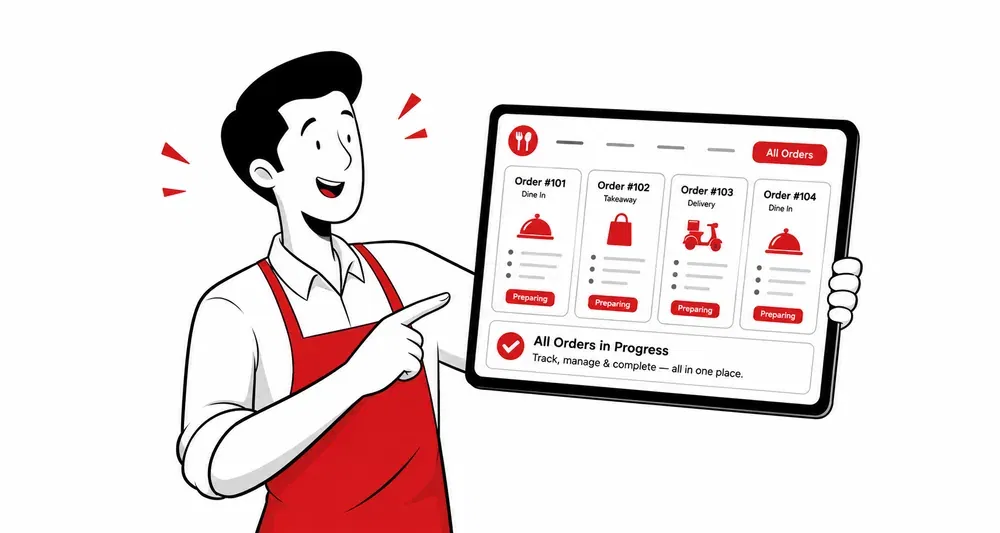
Guests scan, order, and pay from their phones. Orders reach your POS System instantly.
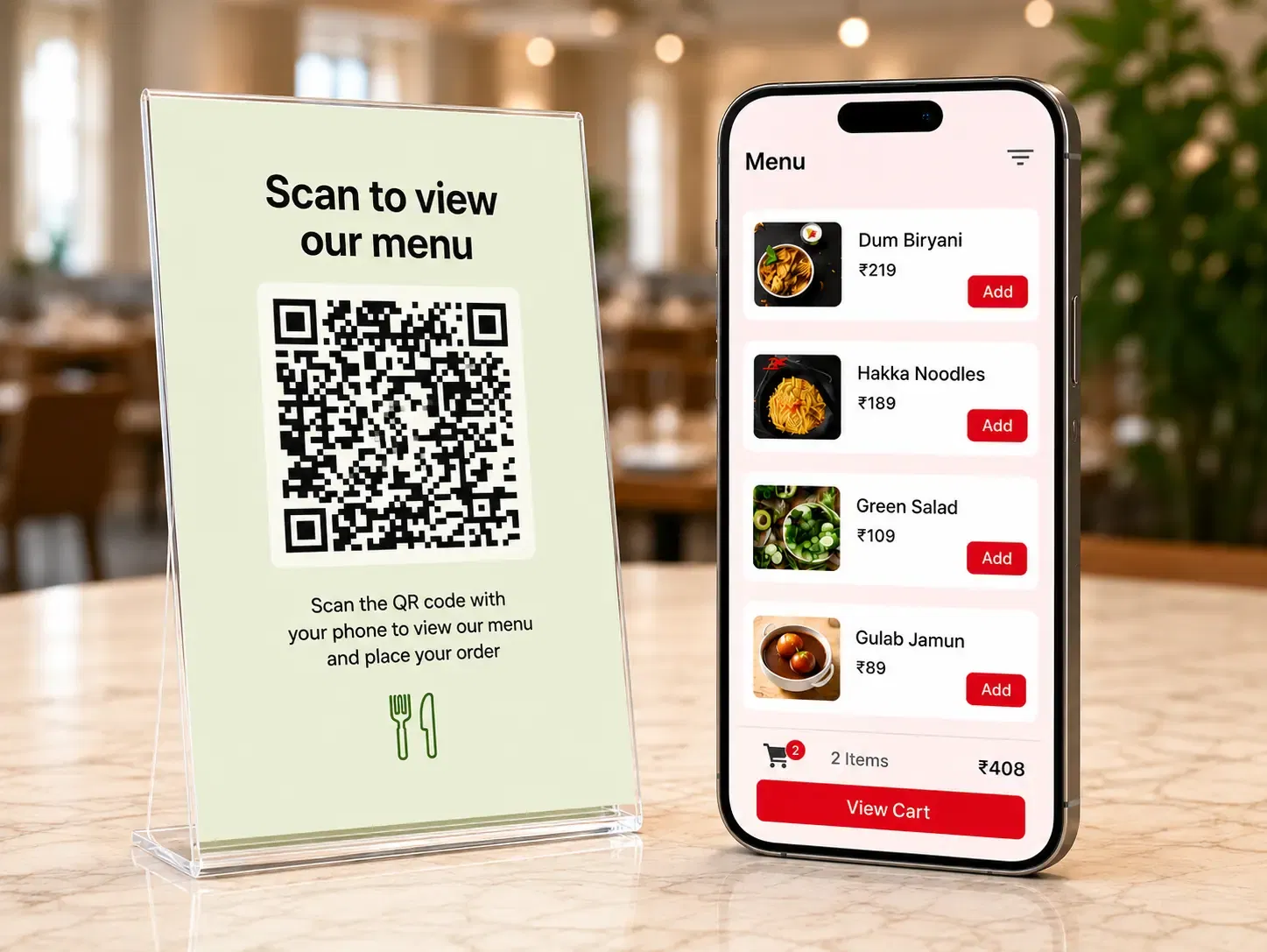
Manual orders slow down your floor
Customers wait, waiters run between tables, and orders still slip through the cracks.
With Scan & Order
- Customers scan and order the moment they sit down
- Staff stops running for orders and focuses on service
- Every item lands in the kitchen accurately, no rewrites
- Tables turn faster without rushing customers
How Scan & Order works
Three simple steps, from the QR on the table to the order in your kitchen.
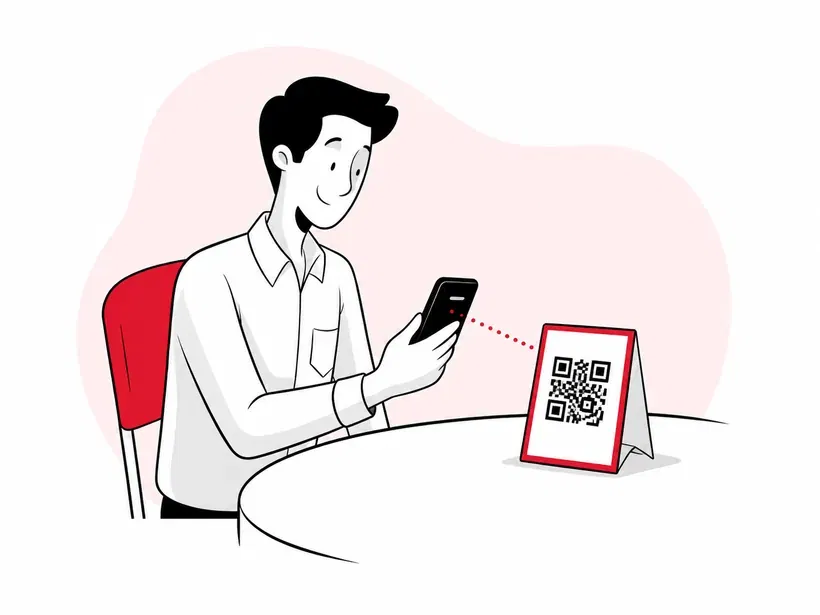
Scan the QR
Guests scan the QR code on their table with their phone camera. No app, no download.
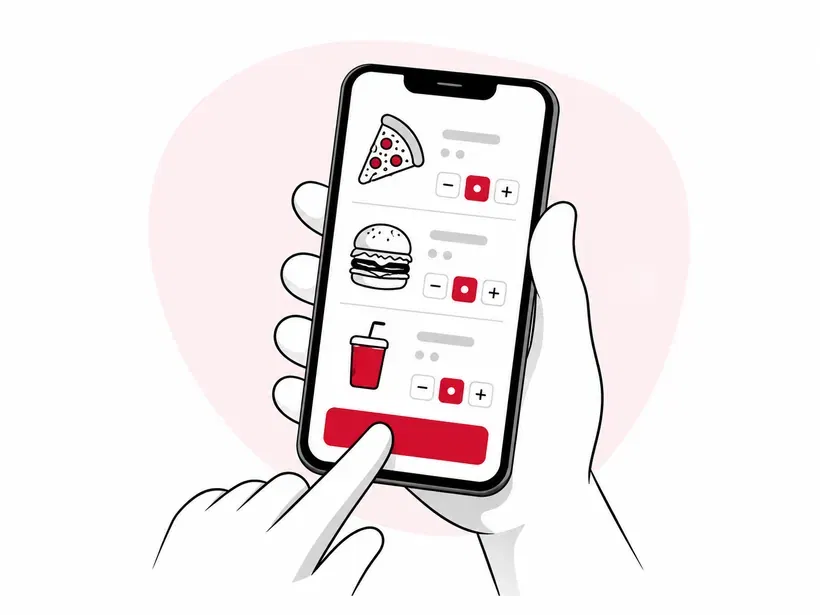
Pick & order
The full menu opens instantly. Guests choose what they want and place the order from their phone.
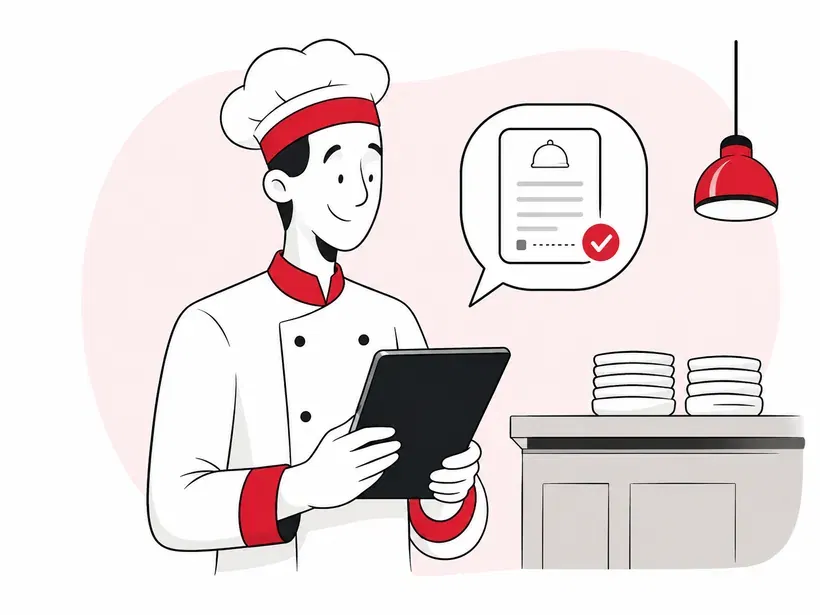
Order reaches the kitchen
A quick OTP confirms it, and the KOT lands in your kitchen through POS System.
Try Scan & Order yourself
See it the way your guests will. Tap through a real order, right from the table to your kitchen.
Scan the QR
Opens the menu instantly. No app, no download.
Browse & add
Pick dishes and build the order from the phone.
Place the order
Review the cart, and it goes straight to your kitchen.
KOT in the kitchen
The order prints on your POS System instantly.
👇 Go on, tap through the phone.
Built to sync with your POS
Four features that turn every table into a self-service order point, without the chaos.
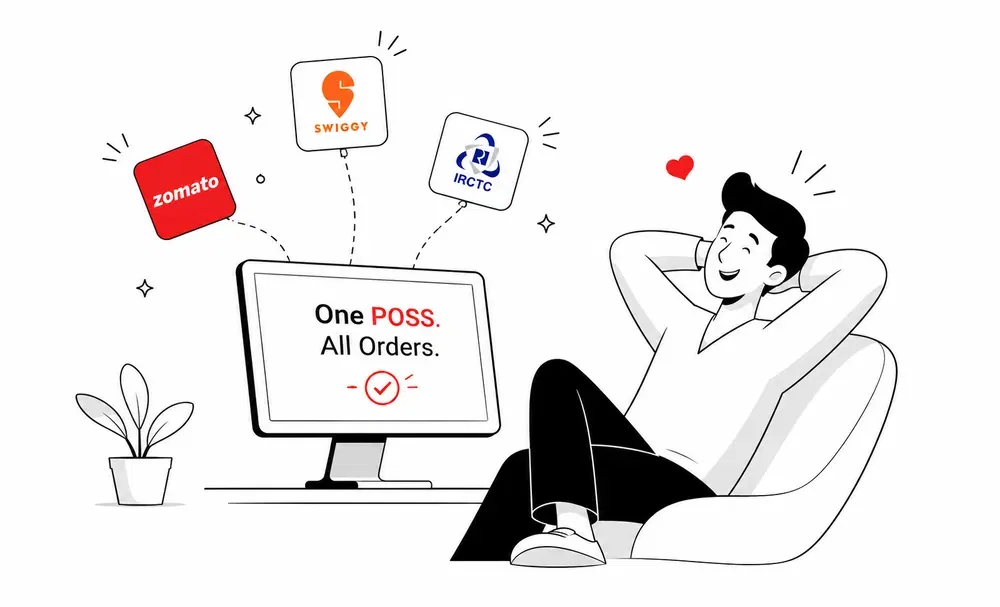
Every order lands in your POS
No second screen, no manual entry. Orders flow into your billing software the second they're placed.
- ✓Real-time order sync, no delay
- ✓Same KOT format you already use
Multiple orders, one table
Customers can add to their order anytime during the meal. Every round links back to the same table bill.
- ✓Each new order joins the same table bill
- ✓Different guests can order separately from the same table
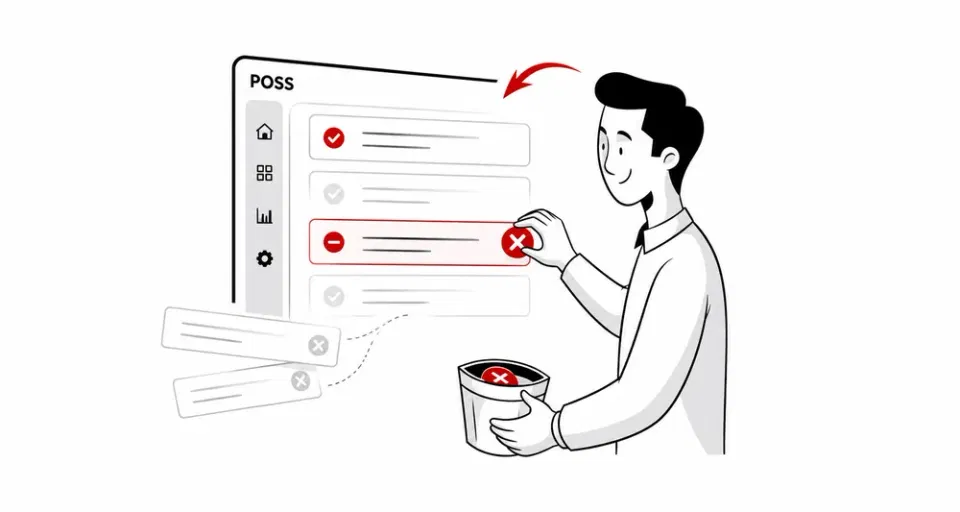
Hide sold-out items instantly
Sold out of biryani at 9 PM? Toggle it off. The QR menu updates instantly on every table.
- ✓Single tap to hide or show items
- ✓Updates show up across every table's menu
Save time, serve better, skip errors
A smaller team handles busier shifts, diners feel attended to, and every order lands in the kitchen right.
Save staff time
Waiters stop running for orders. The same team serves more tables every shift.
Smoother diner experience
Guests order the moment they sit down. No flagging staff, no waiting, no menu hunt.
Fewer order mistakes
Customers pick exactly what they want. No mishearing, no rewrites, no missed items.
A word from our restaurants
“Our cloud-kitchen Black Chimney is a fan of POS System. It has eased our online order management for us. Plus, the inventory management is so smooth. We have stopped the manual tracking for good!”

Abhishek Harjani
Owner, Black Chimney

FAQs
Schedule a free demo
Get in touch with our team to clarify your queries